01
Run solo
Just run. Set a time goal. Or race a previous effort on the same route.
No pace needed to Just run.
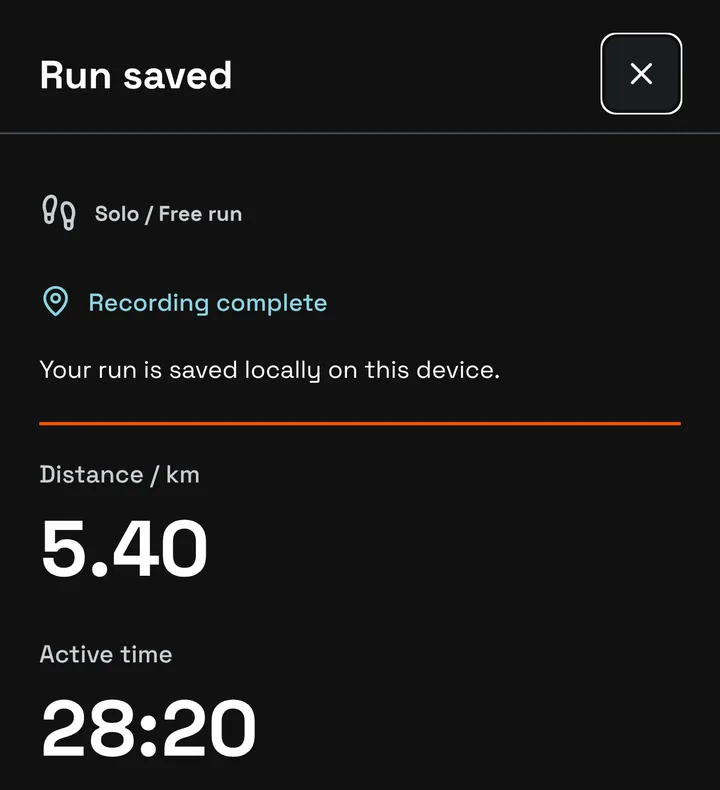
Free running beta · iPhone and Android
Chase your best, or bring your people. Start together, or let your pace set the chase.
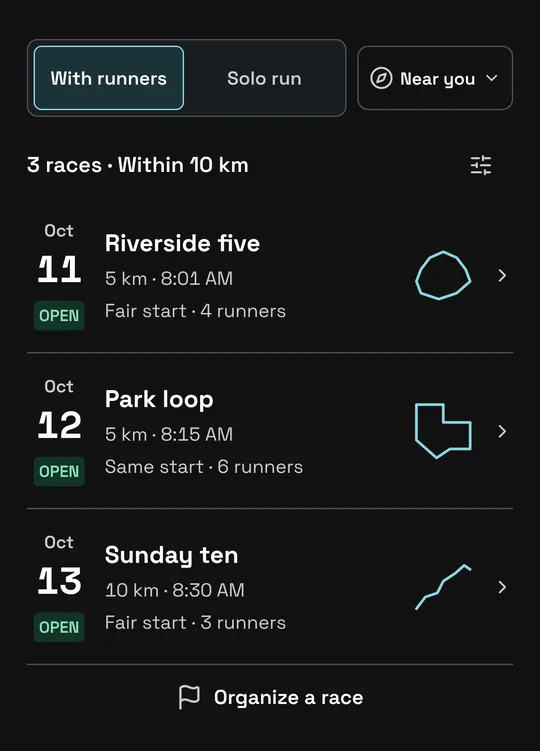
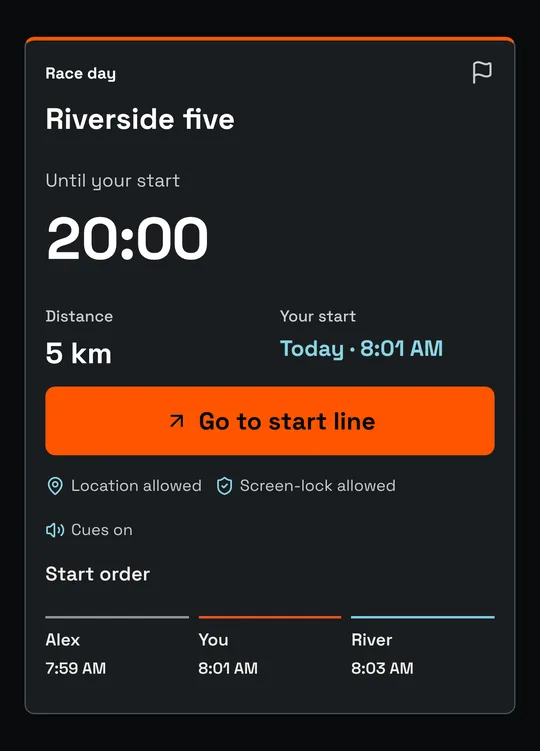
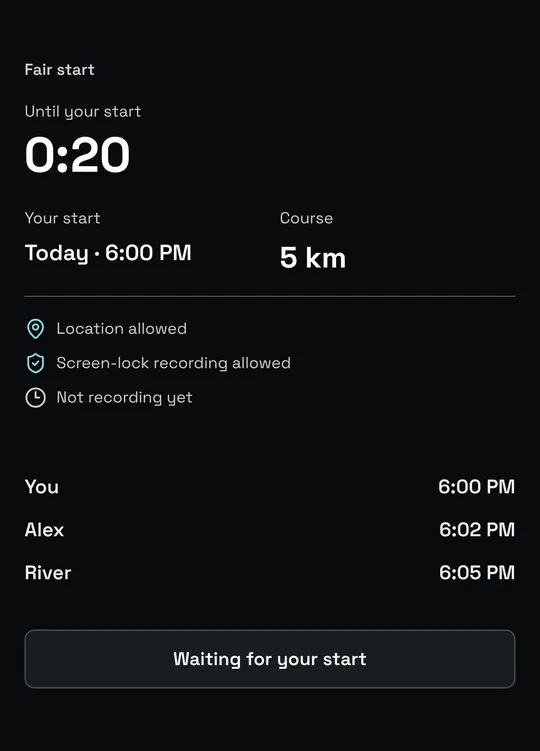
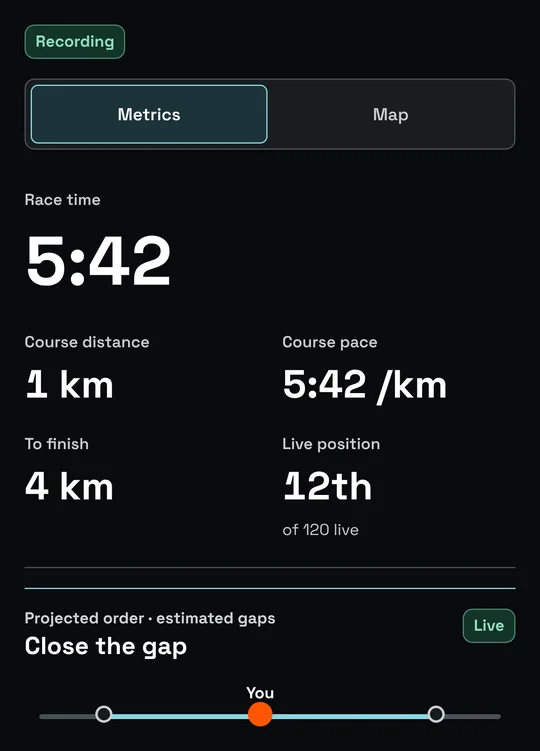
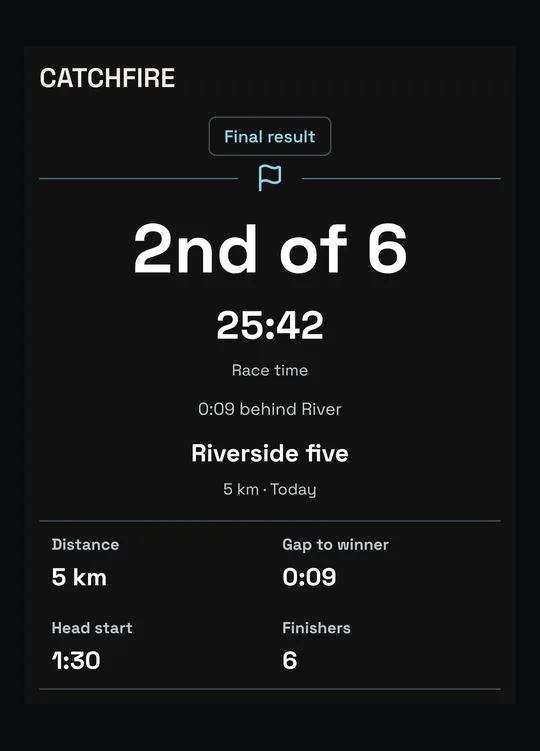
Illustrative screens · Fictional runners
Three ways in
01
Just run. Set a time goal. Or race a previous effort on the same route.
No pace needed to Just run.
02
Find a race or open a friend's invitation. Same route. One finish.
Fair start or Same start.
03
Pick a route, set a time, invite your runners. Race too, or just host.
One friend is a starting field.
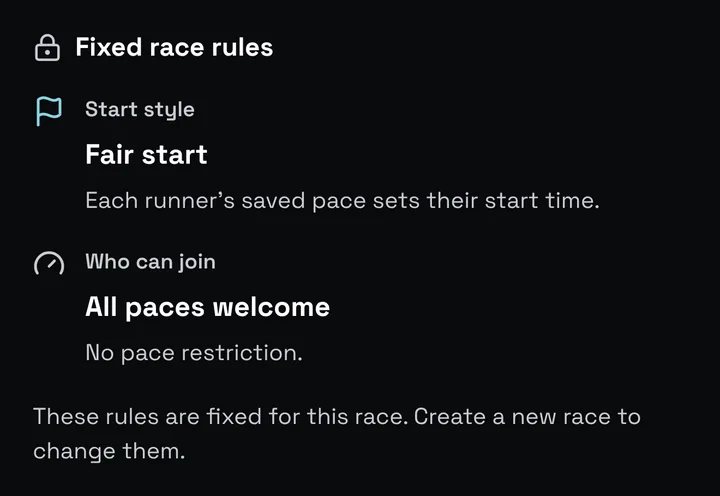
Illustrative screens · Fictional runners
Race day, step by step
Step 01
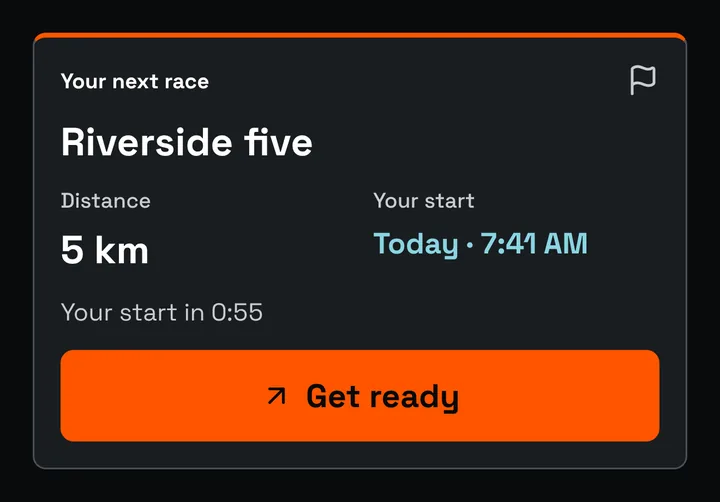
Fair starts use your recent 5K pace to set your own start time. In Same start, everyone starts together.
Step 02
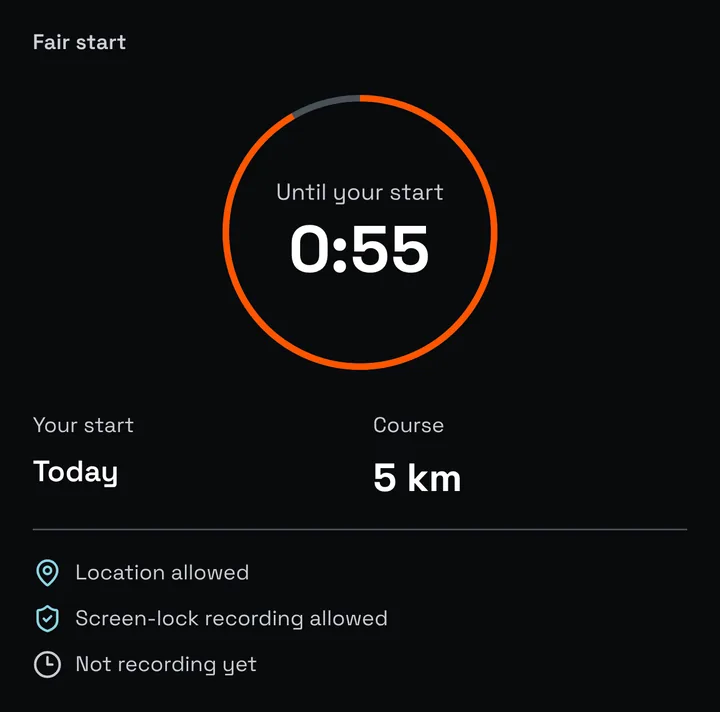
At the route start, check location and recording readiness. The countdown runs to your start, not the first runner's.
Step 03
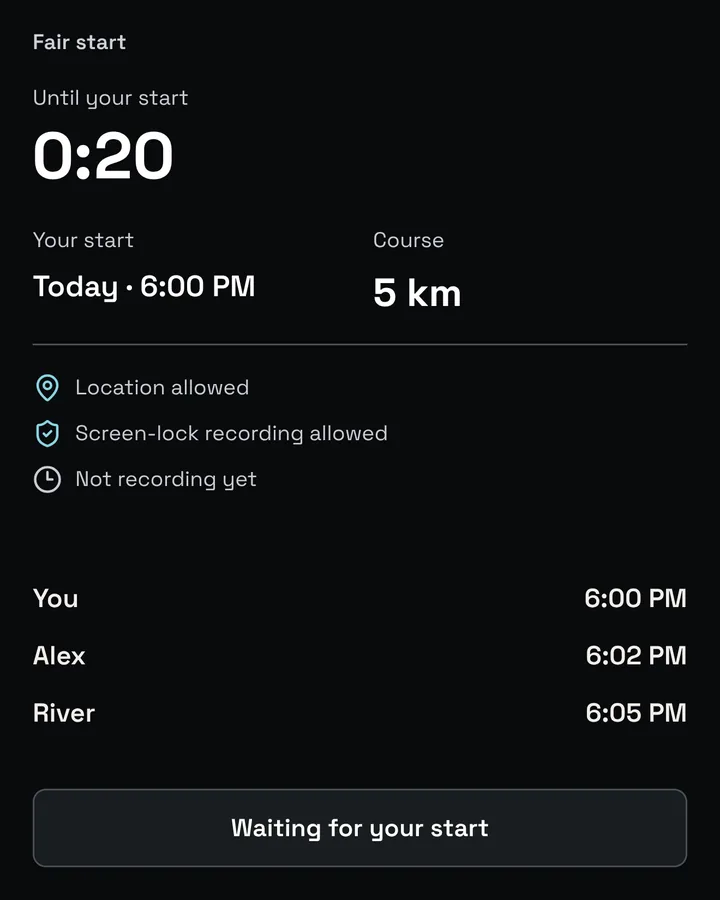
Follow your personal start time. When your start opens, start recording at the line and run.
Step 04
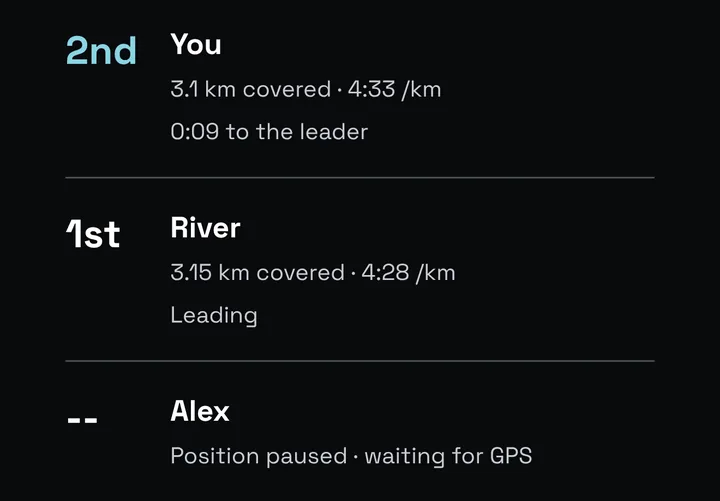
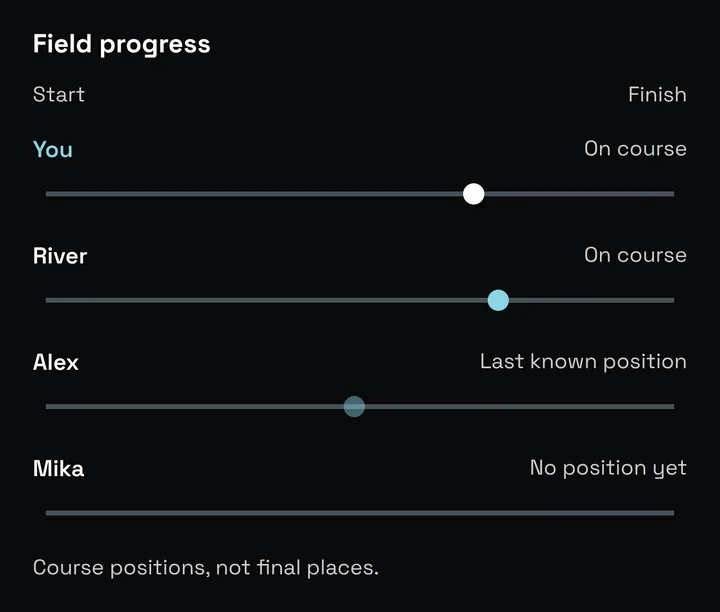
Race the shared course. Course positions and gaps are estimates, with stale or missing data called out.
Step 05
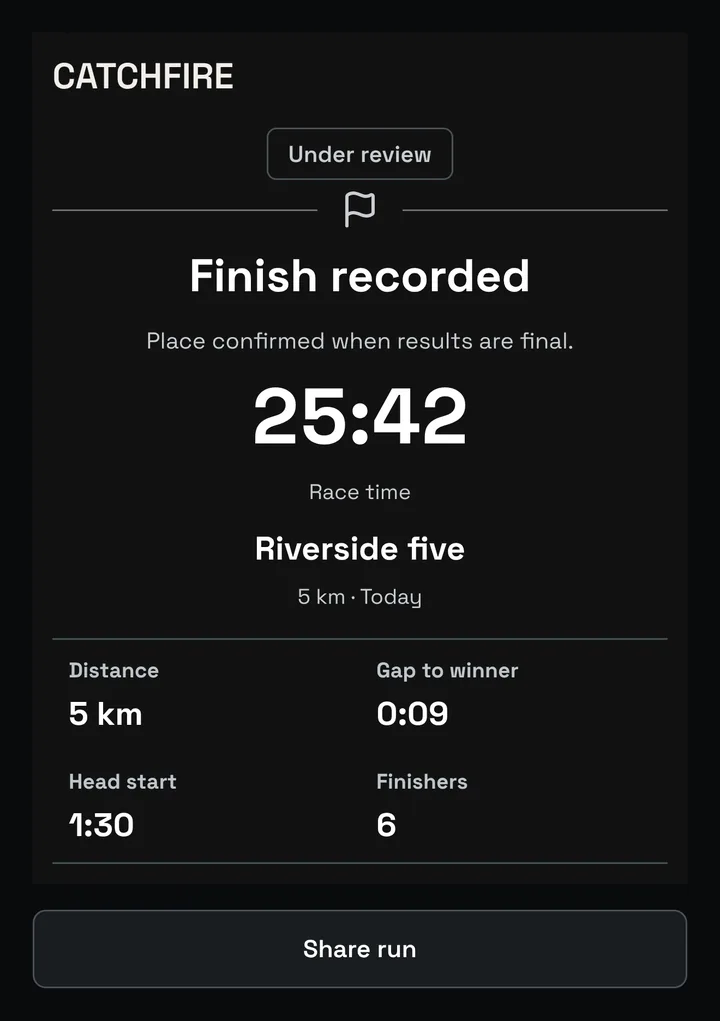
Recorded is not always final. Catchfire shows review status before a result is finalized. Then share it or propose a rematch.
Illustrative screens · Fictional runners
Fair start, explained
A fair start is a pace-adjusted personal start. It needs a recent 5K pace.
Same start needs no pace when it is unrestricted. Neither is a prediction, and neither promises equal finishes. First across the line wins.
Your effort goes with you
Just runs stay on your phone. Finished races go where you choose, when you ask.
Save workout sends an eligible finish to Apple Health on iPhone in enabled builds.
Export a finished race as FIT or GPX for manual upload to Strava or Garmin Connect.
Add a race with a Google Calendar draft or a standard calendar file. Add an updated copy after a schedule change.
Health Connect is under Android testing and is not enabled in the production profile. No automatic third-party sync. Saving and compatibility
Catchfire is in free beta on iPhone and Android, by invitation. Request access for your device and we will send the testing instructions.
No pace is needed for Just run or an unrestricted Same start race. Fair start and pace-limited races require a recent 5K pace.
A pace-adjusted personal start, set from your recent 5K pace. It is not a prediction and does not promise equal finishes. First across the line wins.
Free, unofficial running races. Catchfire races are not official events and are not sanctioned by any city, park authority, road authority, federation, or governing body unless expressly stated in writing.
No. There is no automatic sync. Export a finished race as a FIT or GPX file and upload it yourself, for example to Strava or Garmin Connect.
Just runs stay on your phone. During a race, Catchfire uses location for route progress and finish detection. The privacy policy has the detail.
Join the beta
Catchfire is in free beta on iPhone and Android. Request access for your device; we will send the testing instructions.
iPhone testing uses TestFlight. Android testing uses Google Play internal testing. Access is by invitation, not a public store launch.